PJ
Varve
- Nov 2026
- Product Therapy
- Proof of Concept
Overview
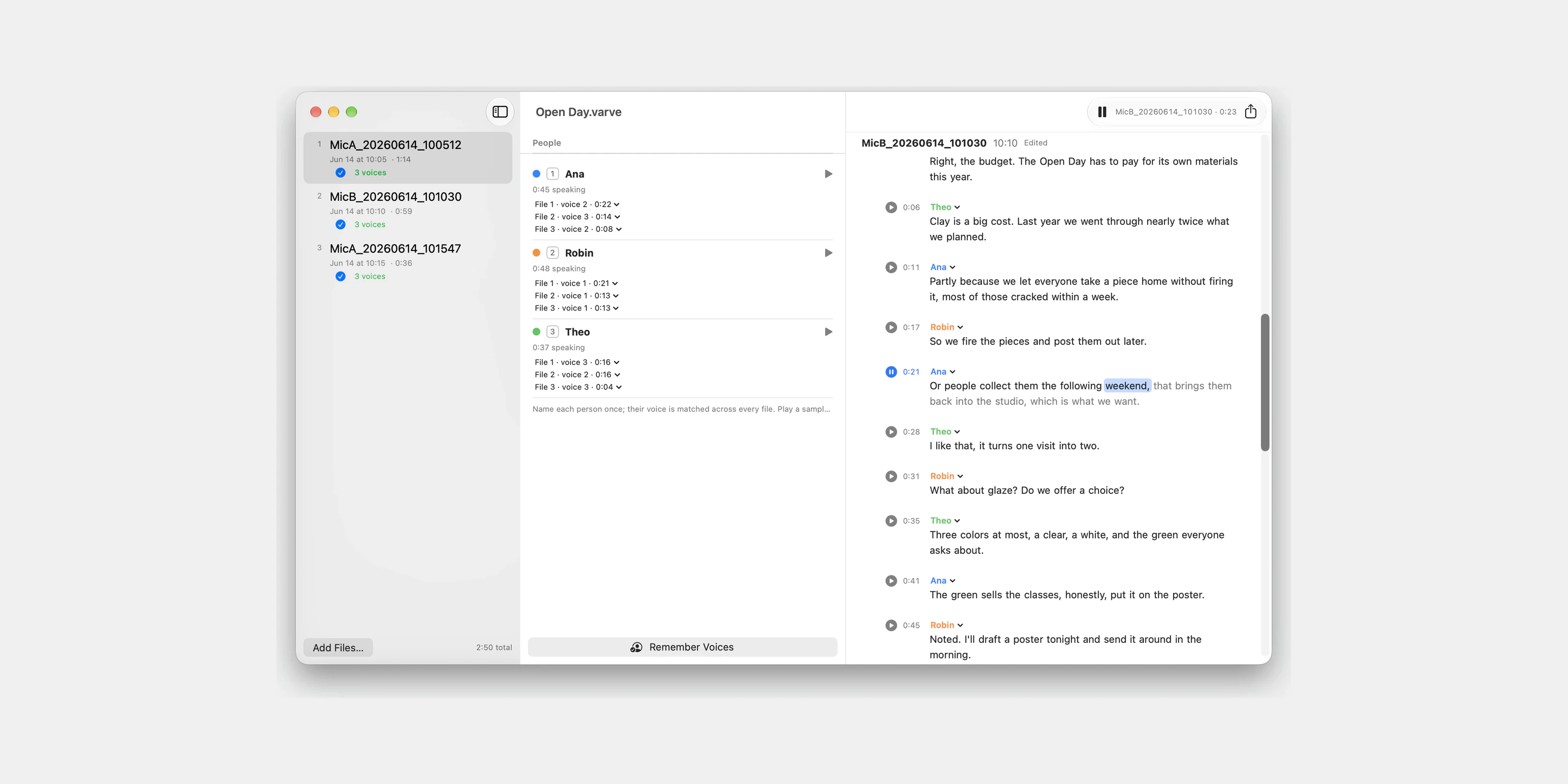
Varve turns a recorded conversation into a transcript you can use. You drop in the files from every recorder in the room, and Varve lines them up in the order they were recorded and transcribes them. It names each person once, even when that person appears in several files. Everything runs on the Mac, so the recordings never leave it.
We built it in a day as a proof of concept. It had to answer one question: can a voice be recognised as the same person across separate recordings, with all of the work done on the Mac? It answered yes on a real recorded session.
- Platform
- macOS
- Stack
- Swift, SwiftUI, FluidAudio
- Timeline
- November 2026
Recordings in order
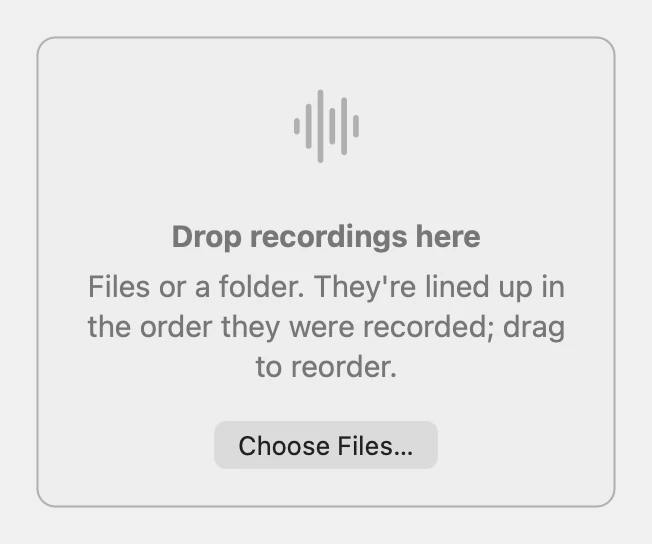
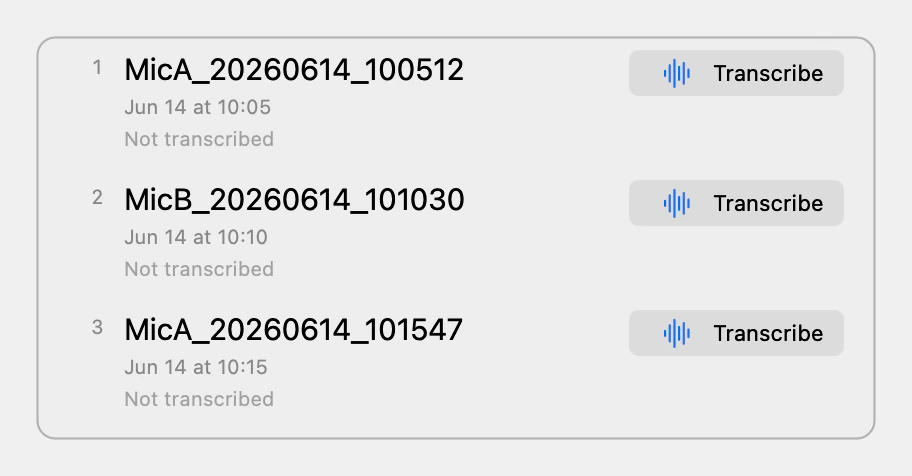
A conversation is rarely one file. A lapel-mic kit and a phone each hold part of it, and every file starts its speakers over. Varve reads the time stamp that most recorders write into a file name, so dropped files line up in the order they were recorded. A file with no stamp falls back to its creation date, and you can always drag files into a different order.
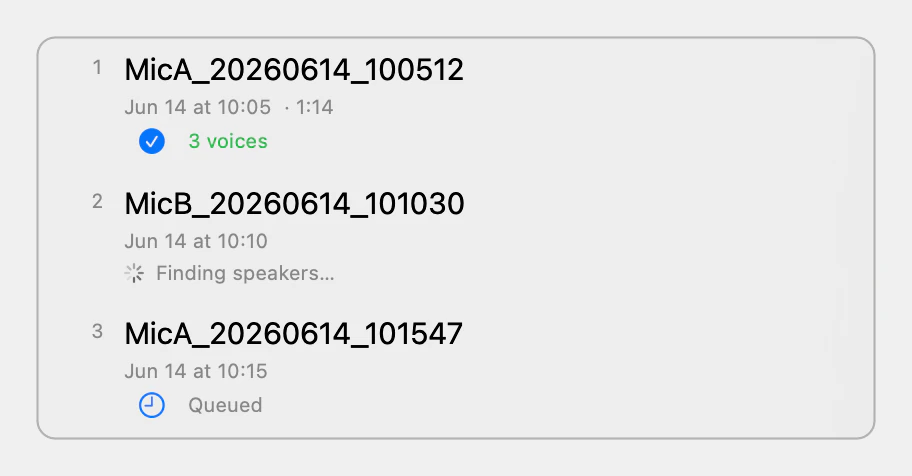
Each file can be transcribed on its own, or all of them can be queued to run one after another. Finished transcripts are kept on disk, so reopening a session never redoes the speech work.
Transcribed on the Mac
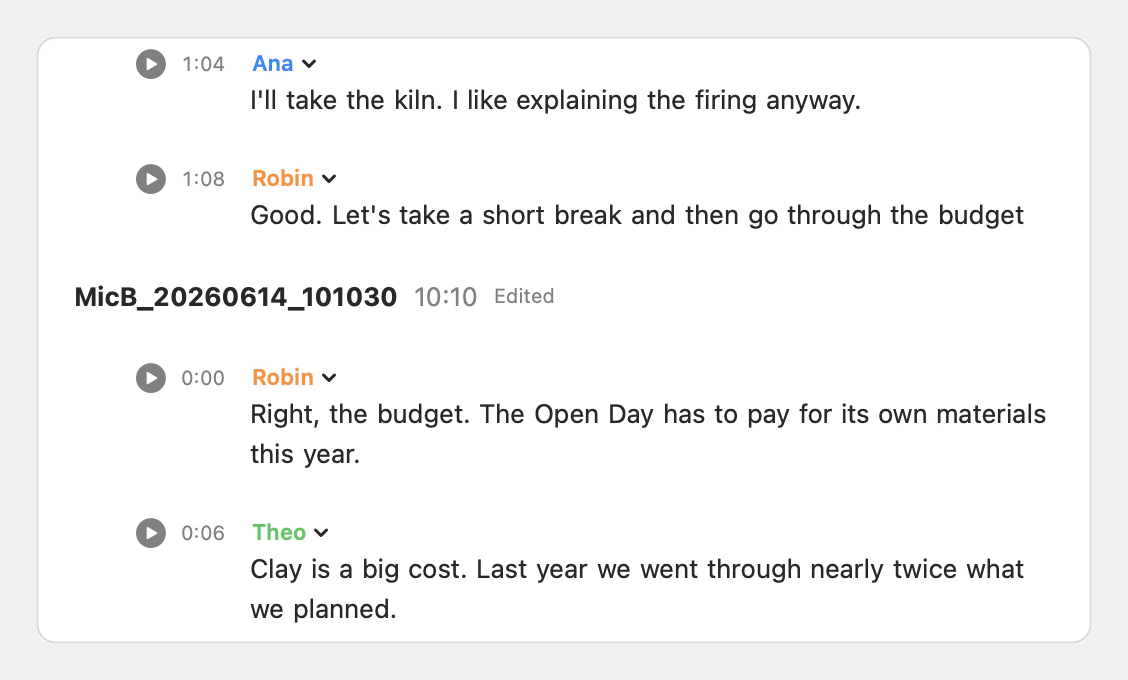
Transcription and speaker separation both run on the Mac’s Neural Engine through FluidAudio, so the recordings never leave it.
For speakers, we chose FluidAudio’s offline diarizer over its Sortformer model. The offline diarizer puts no cap on the number of voices and returns a voiceprint for each one, and naming people across files depends on those voiceprints. Each word then goes to the speaker whose stretch of audio it overlaps most.
Short interjections can still be absorbed into the surrounding speaker’s turn. We wrote that gap down and chose to tune the diarizer before replacing it. The editing tools move a stray word by hand.
One name per person
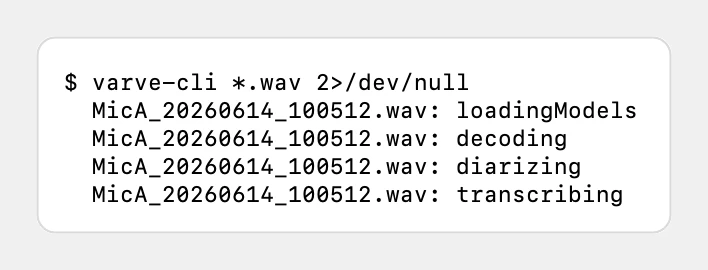
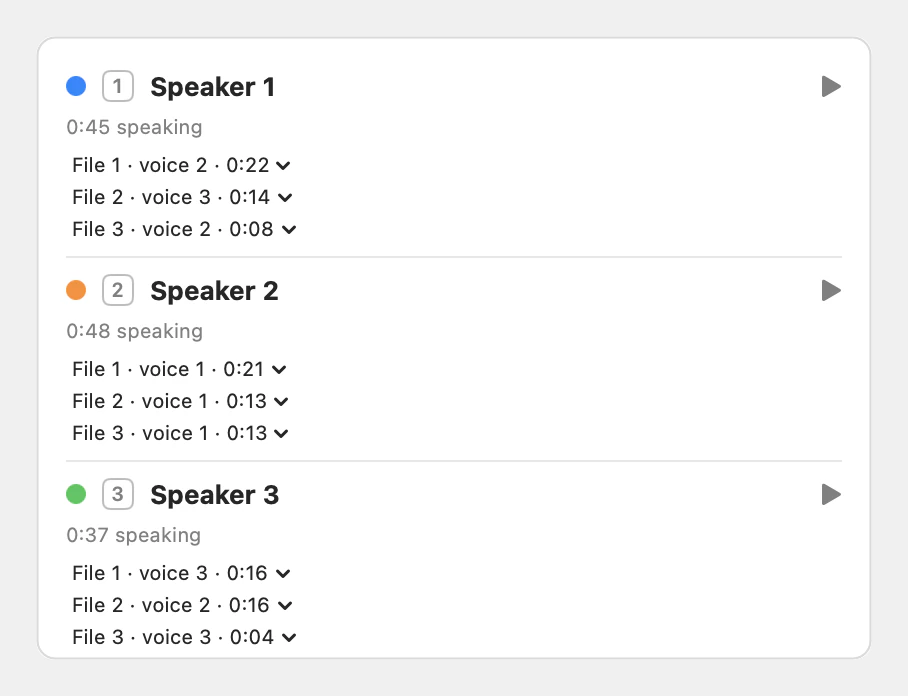
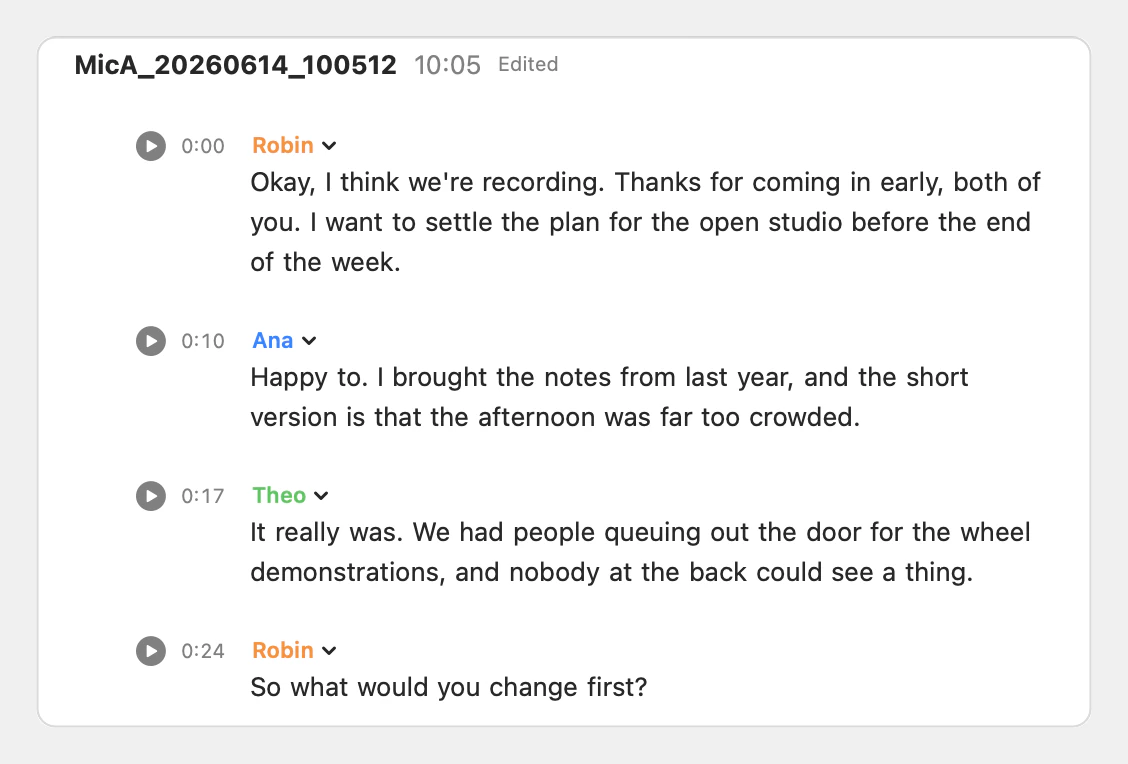
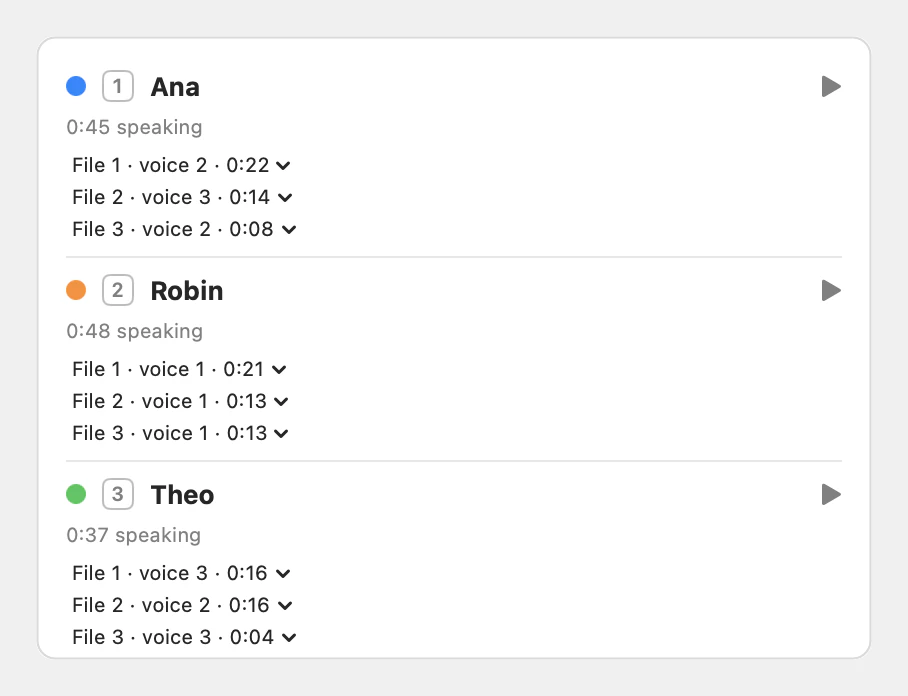
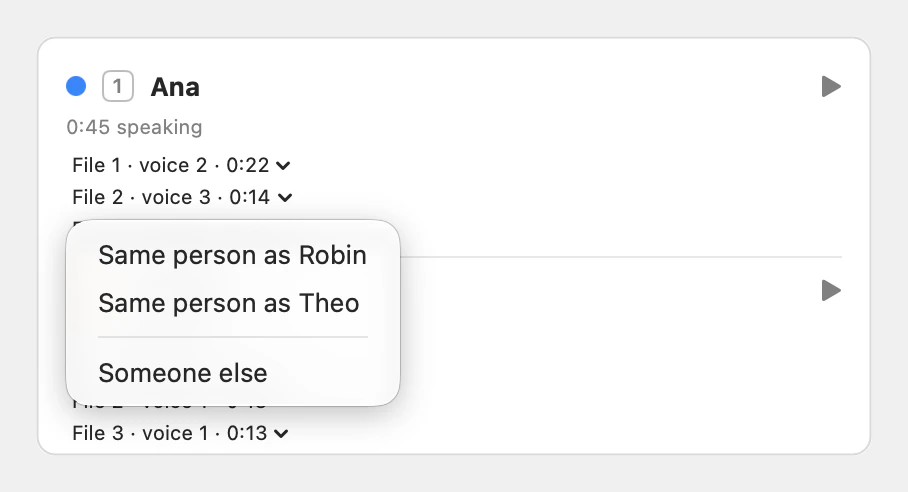
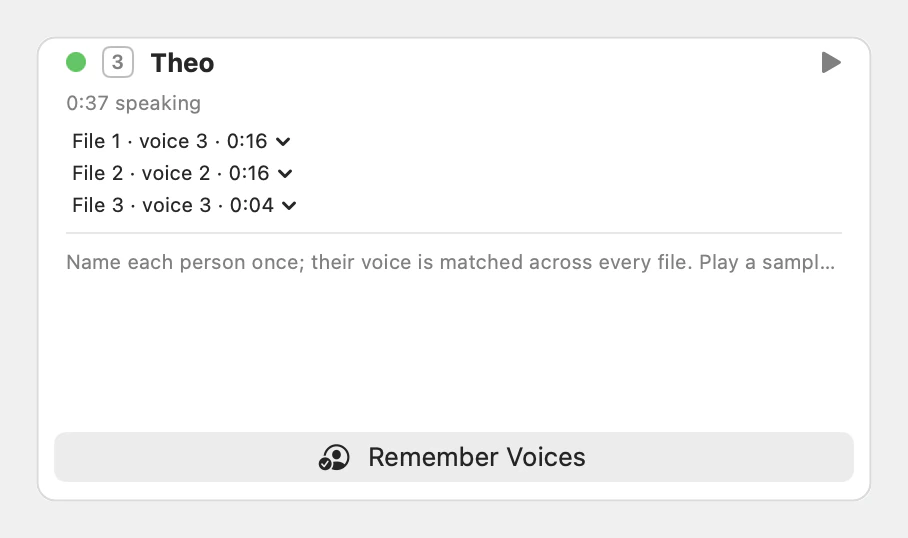
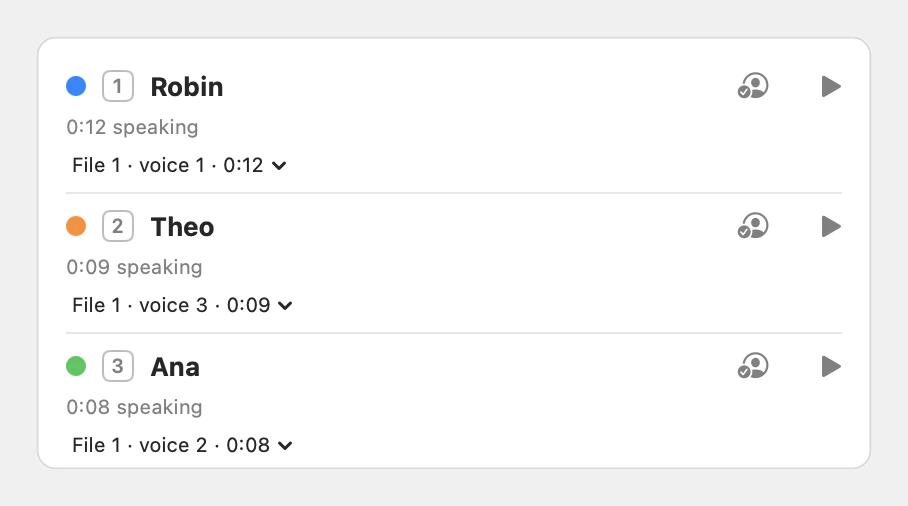
Speakers are separated within each file. Varve then matches them across files by voice, so each person is named only once. The matching never joins two voices from the same file, since those have already been told apart. Adding a new file fits its speakers into the people already named without disturbing them.
We tuned the match on a real session, where the same person’s voice scored far closer than any two different people, and set the threshold in that gap. When a match is wrong, a menu moves a voice to someone else by hand. Voices you choose to remember are named automatically in the next session, and each person has a play button for their longest stretch of speech.
Cleaning up the transcript
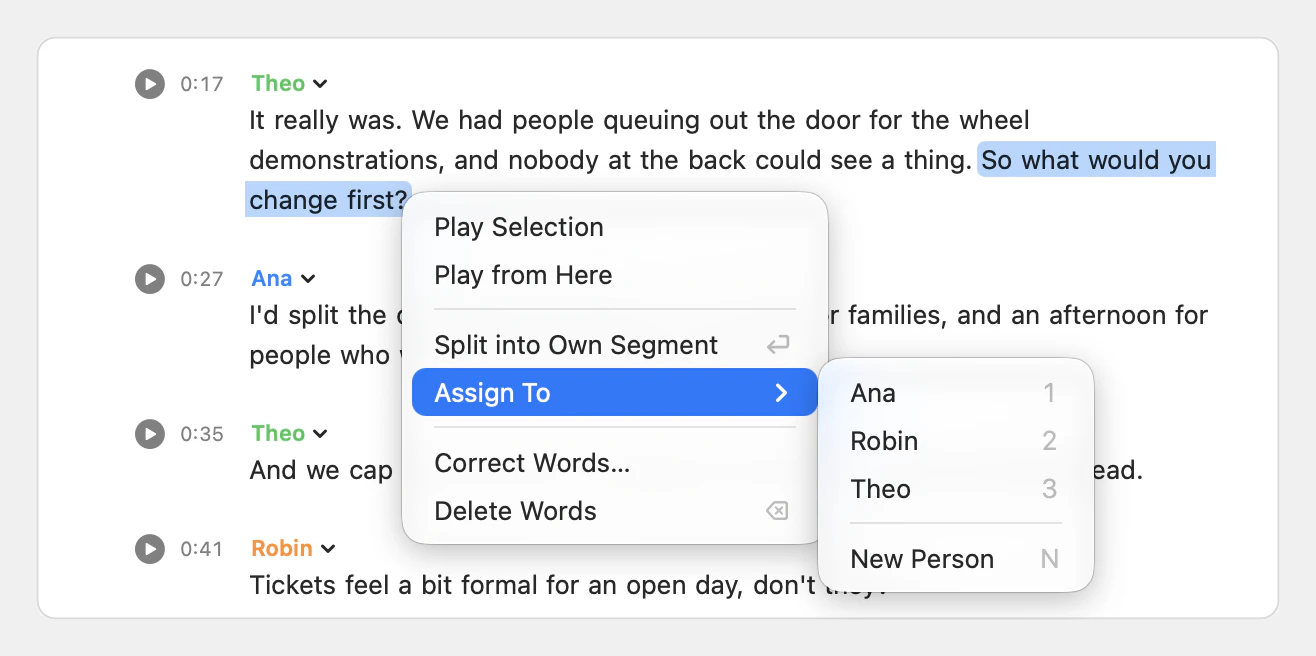
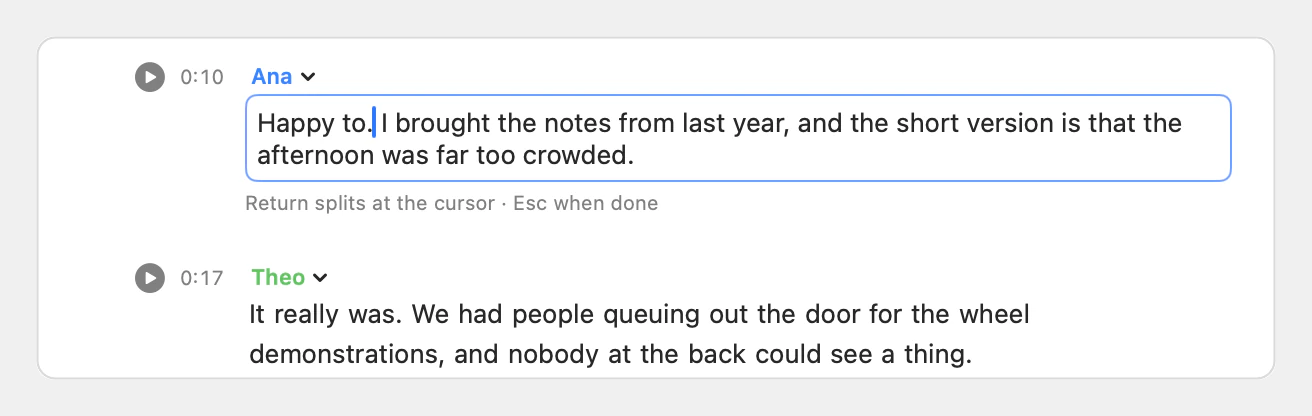
Selected words can be played, split into their own segment, given to another person, corrected or deleted. A corrected word keeps its place in the audio, because new words share out the time of the words they replace. The first version gathered these actions in a shortcut strip and a pencil that appeared on hover. A menu on the words themselves replaced both.
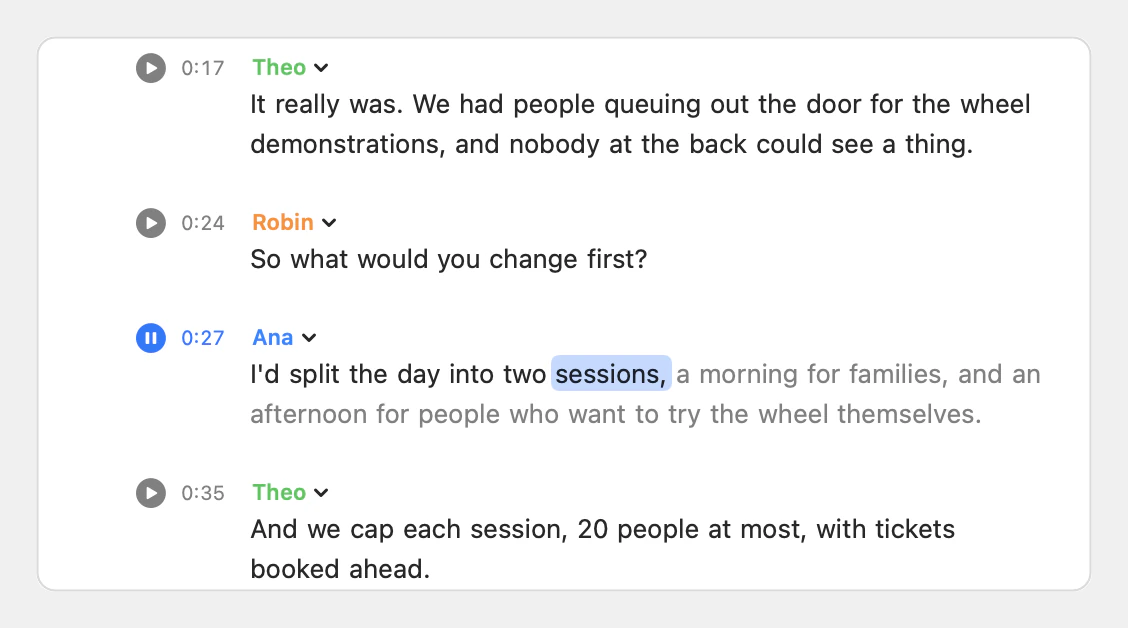
Dragging words into the neighbouring segment moves the boundary between speakers. Playback is one transport for the whole session. It carries on into the next recording and keeps the spoken word highlighted and in view.
Projects and export
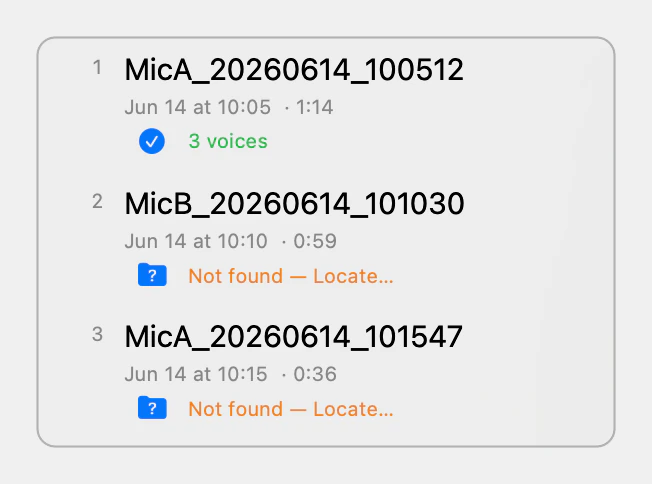
A session saves as a single Varve file that remembers each recording relative to itself, so a folder moved as a whole keeps working. The transcripts are saved inside the file, so a project opens even without its audio. If recordings go missing, locating one finds the others in the same folder, and Varve checks each file’s length before linking it.
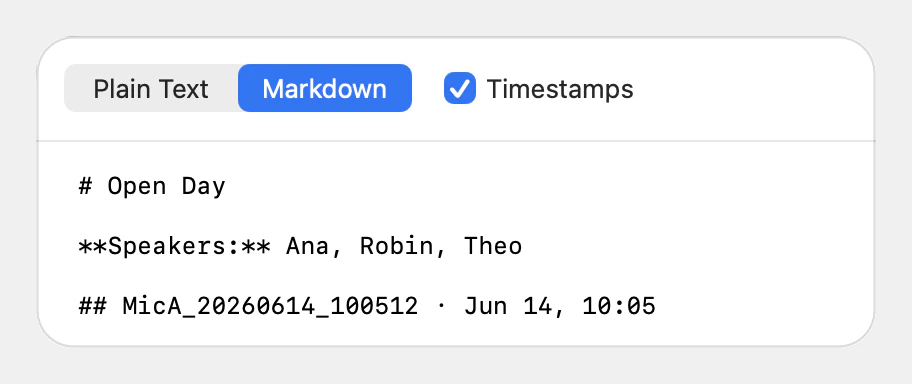
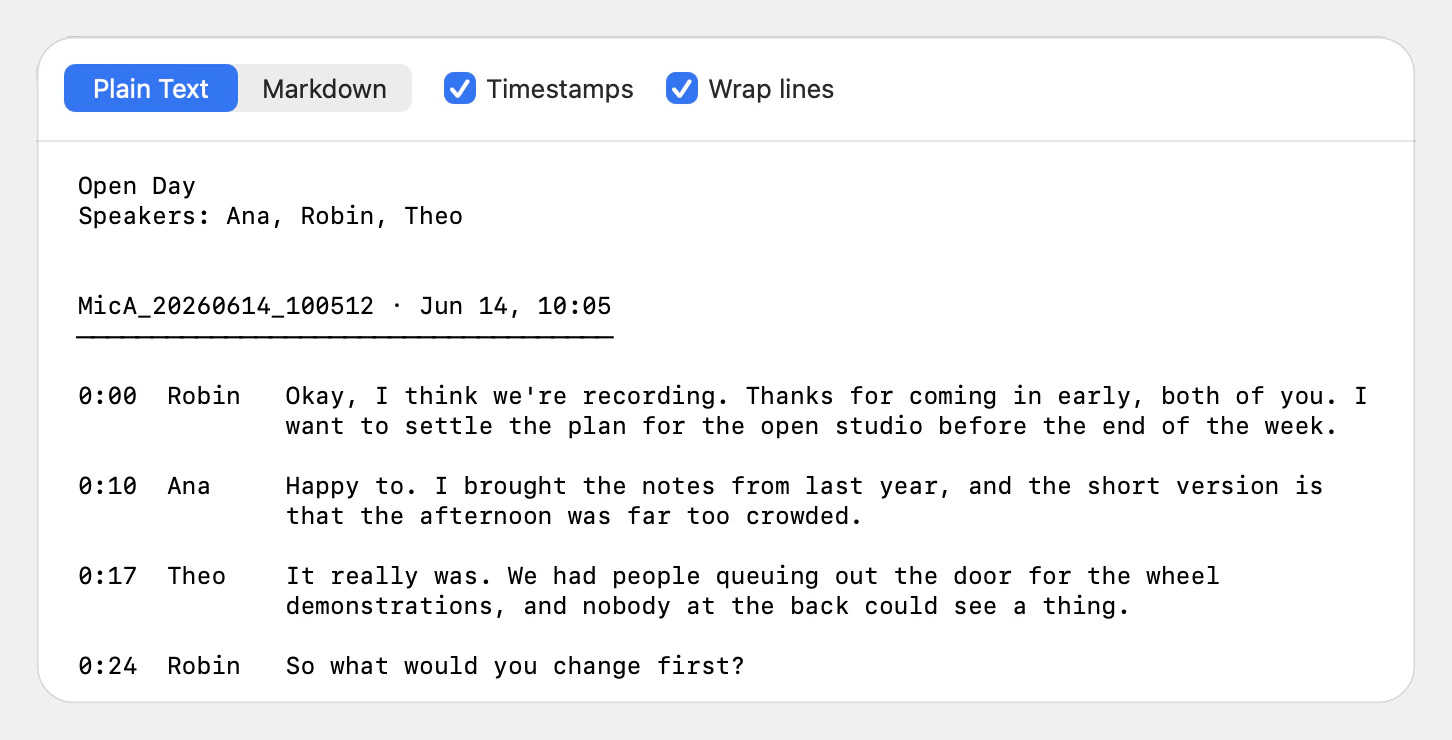
The finished transcript previews and exports as plain text or Markdown.
The name
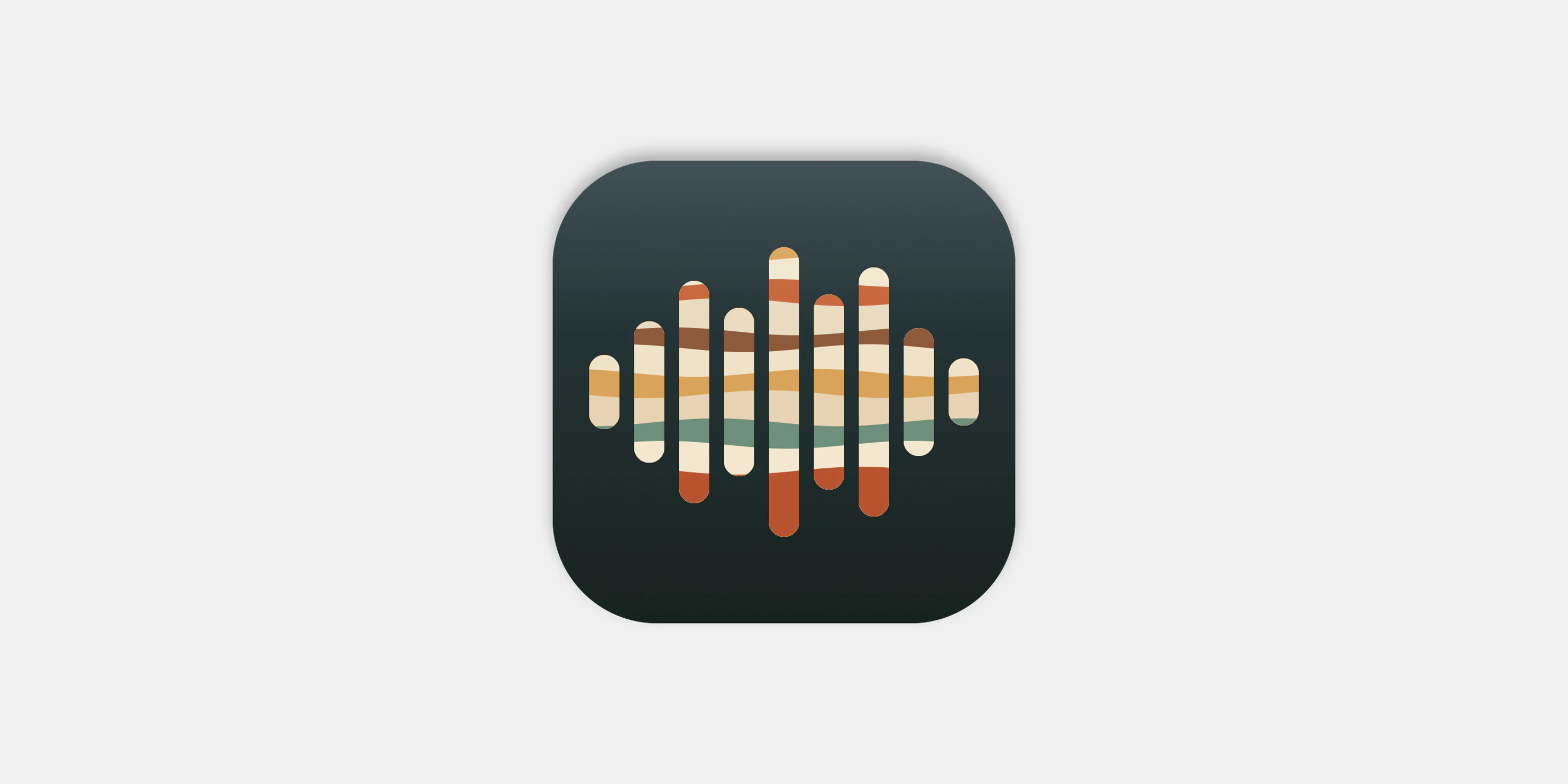
The name comes from geology. A varve is a layer of sediment laid down in a lake over a year. The icon draws on it: a waveform whose bars are cut into bands of cream, ochre, rust and sage, like layers of sediment.
Outcomes
One transcript for a whole session, with every person named once across every recording
Transcription and speaker separation that run entirely on the Mac
Remembered voices that name regular speakers automatically
Hand corrections that stay in time with the audio
A working Mac app that proved the idea on a real session